
How to set up my card Tap&Up ?
1 - Open the interface, https://my.tapandup.com
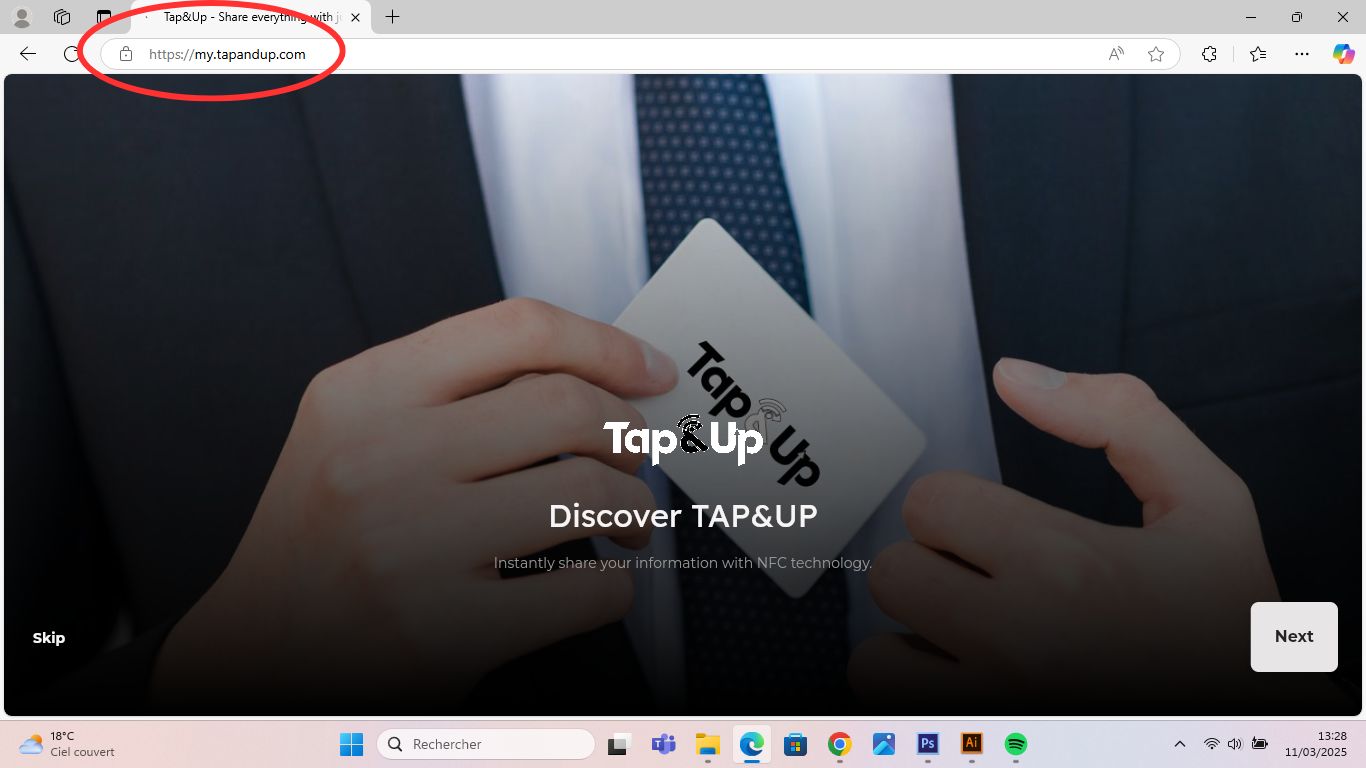
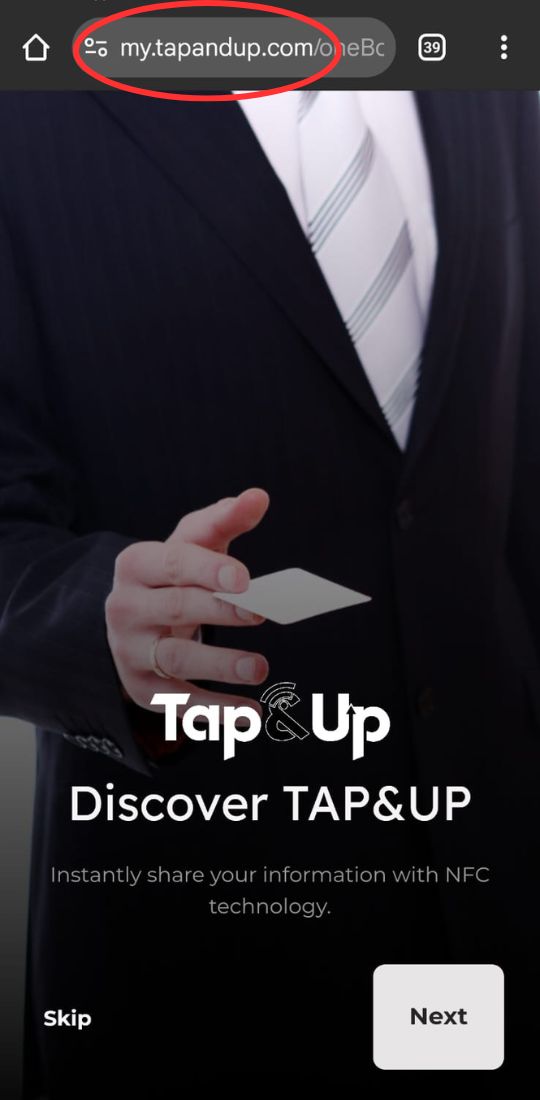
2.1 – The steps to create an account are as follows
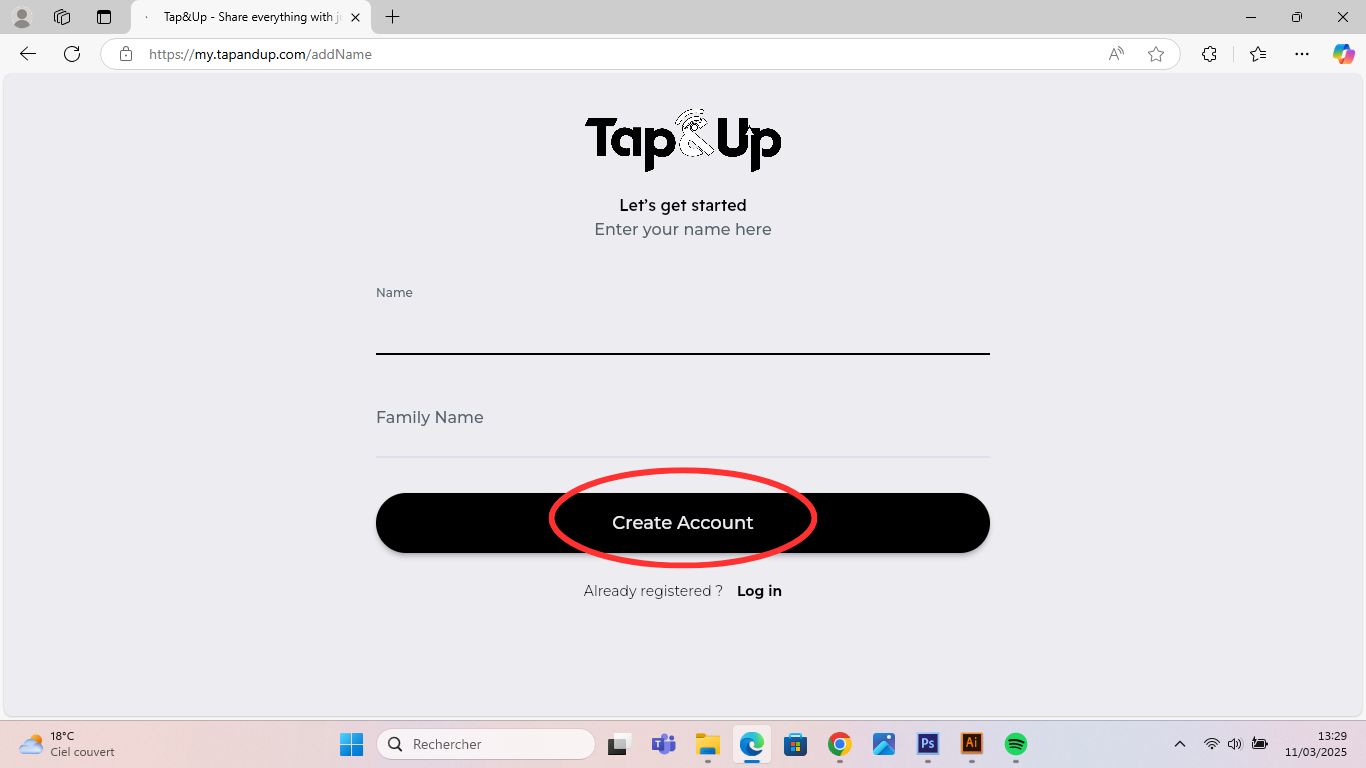
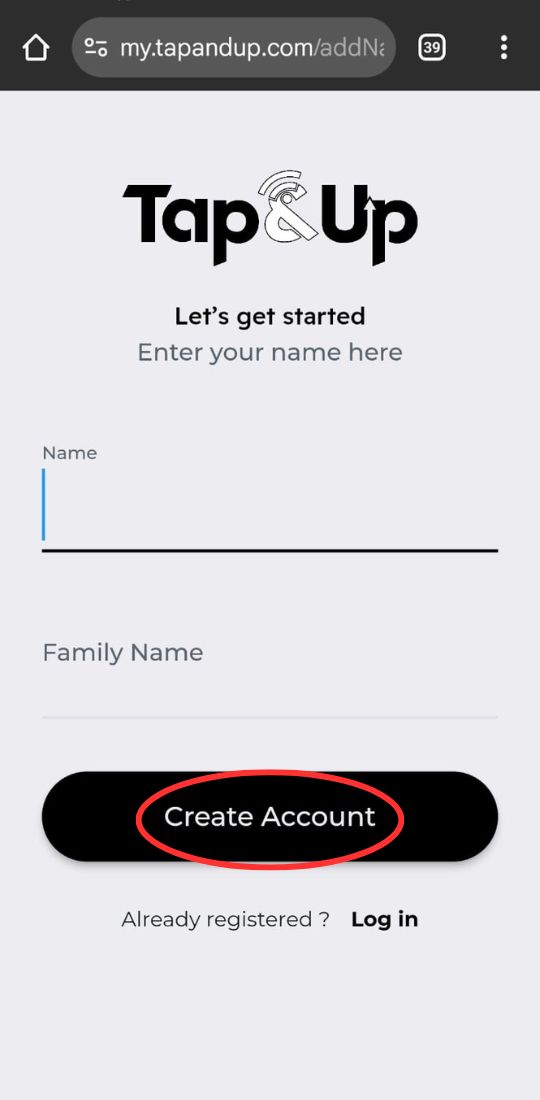
2.2 – Once you've entered your password, click on "Send verification email".
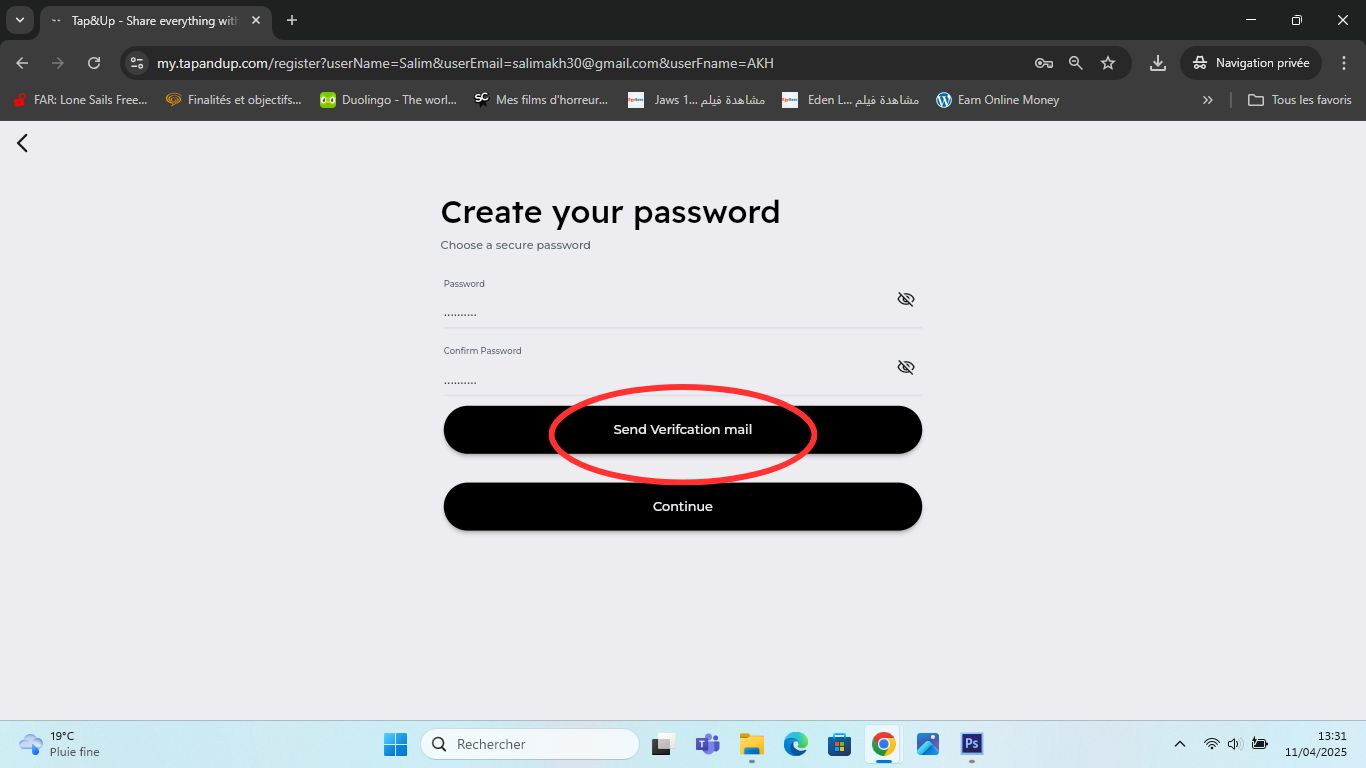
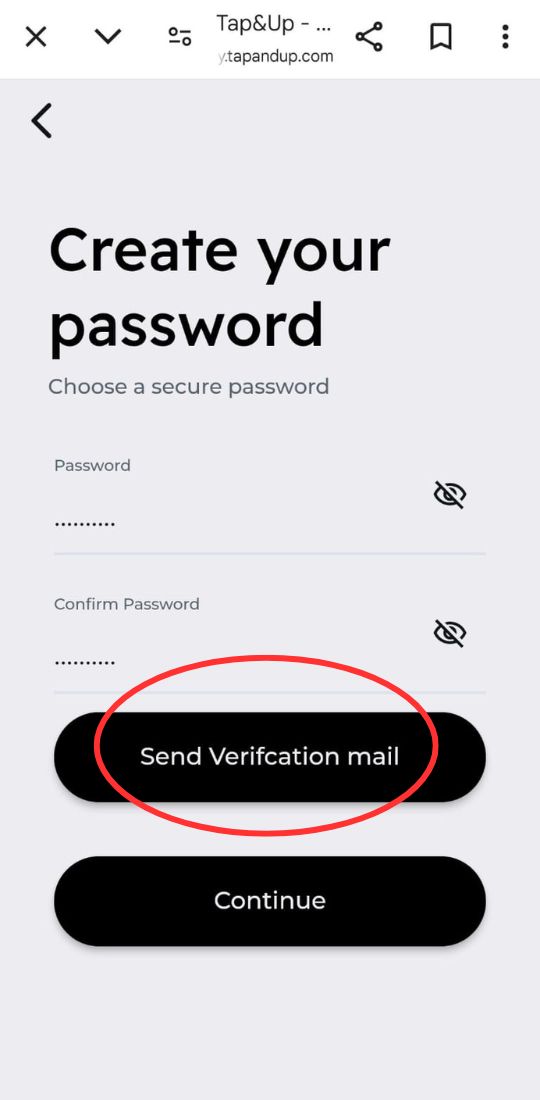
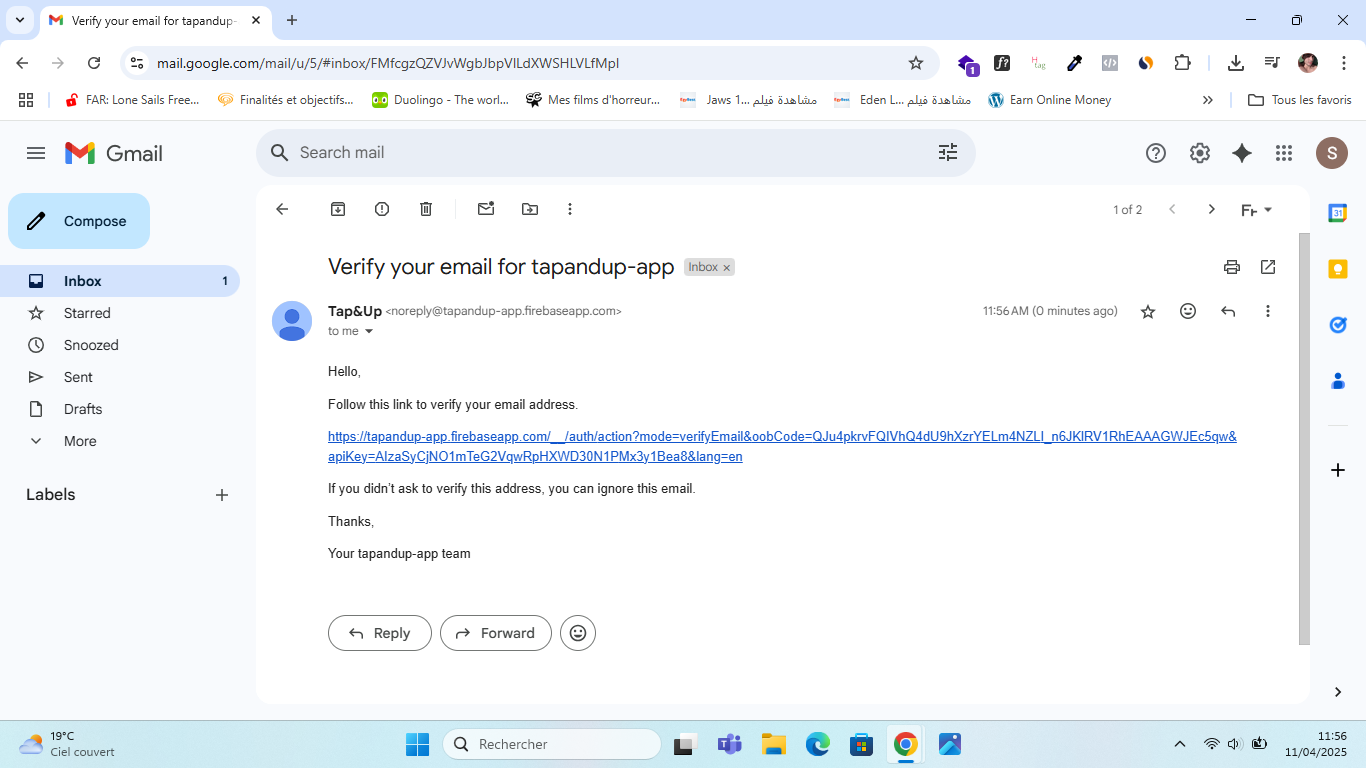
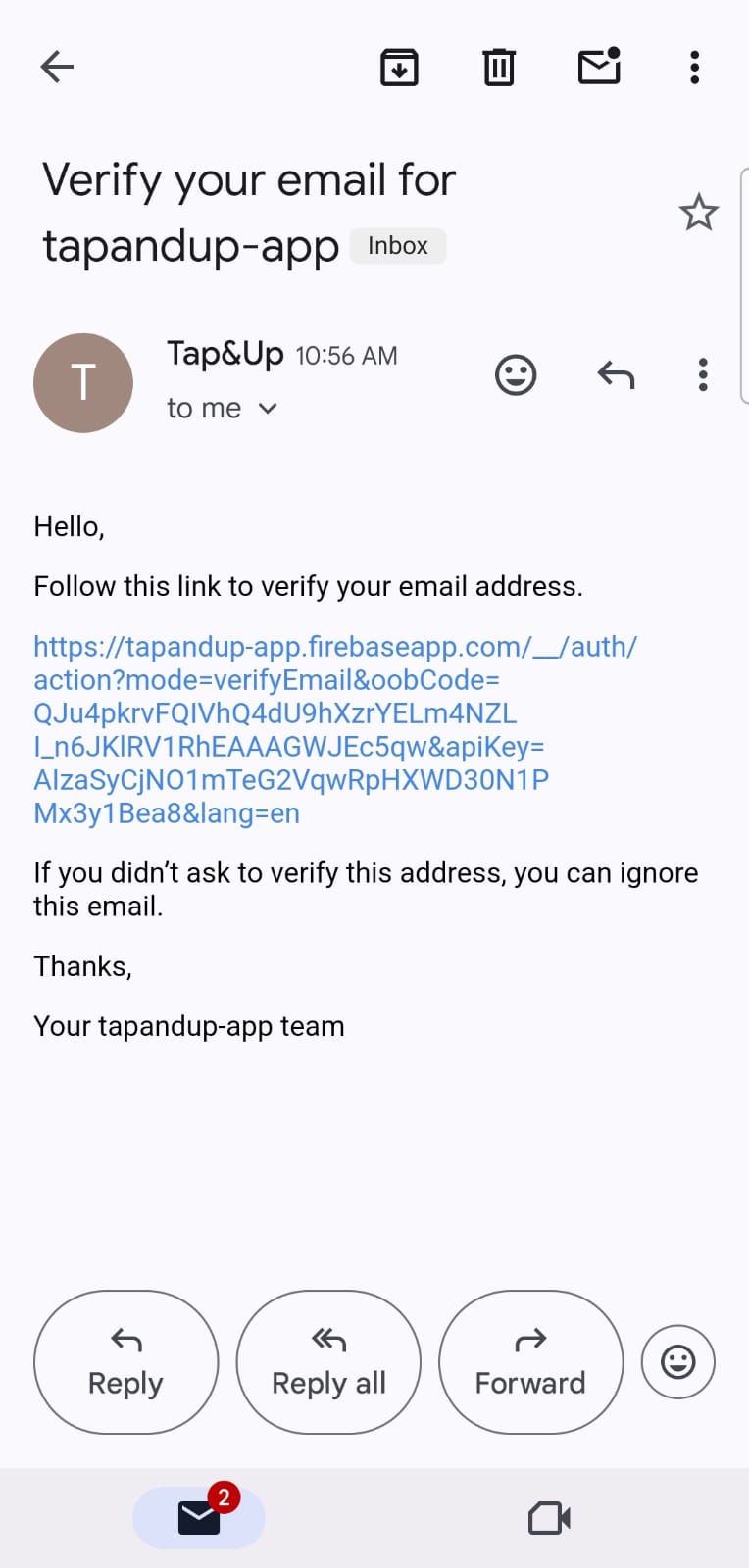
2.3 – After clicking "Send verification email", confirm your address by clicking the link sent to your inbox.
3 – Card Activation. If you have your Tap&Up card (under the QR code), otherwise you can skip this step!
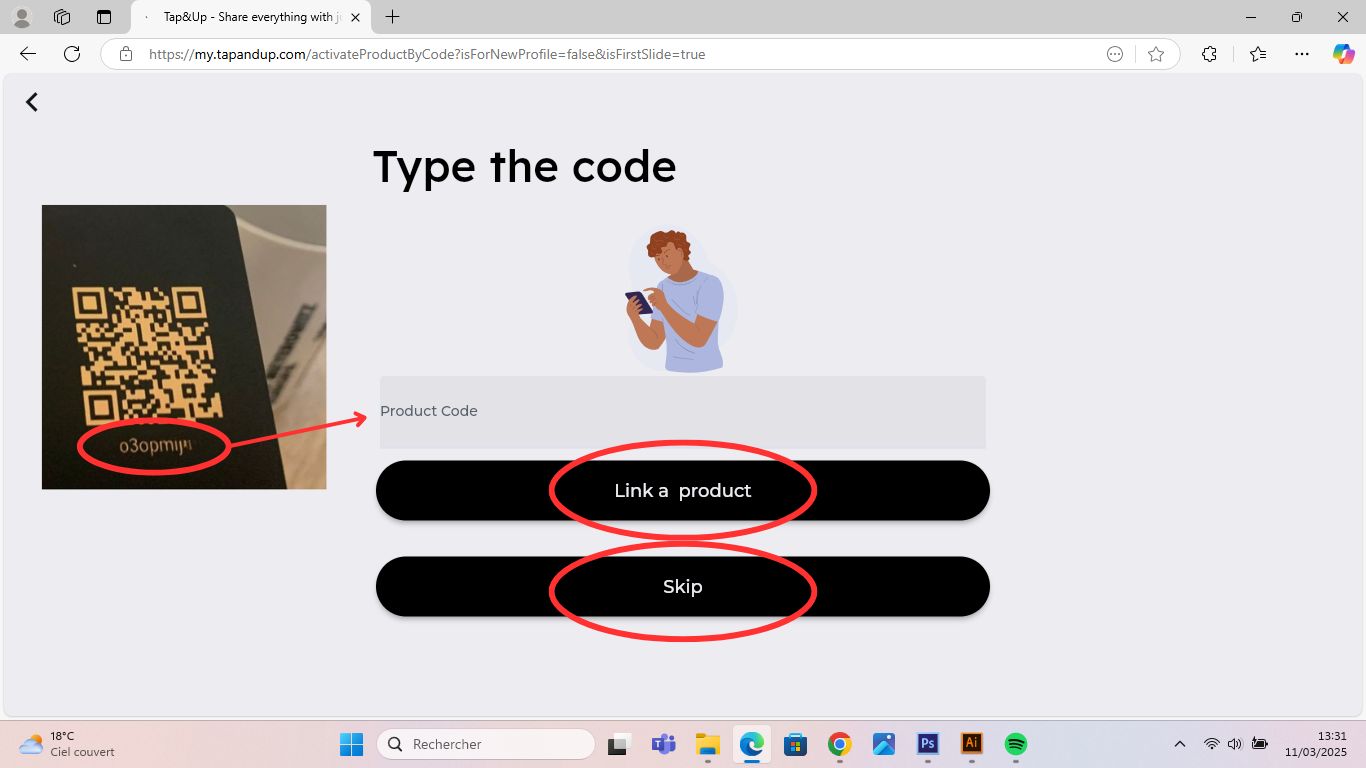
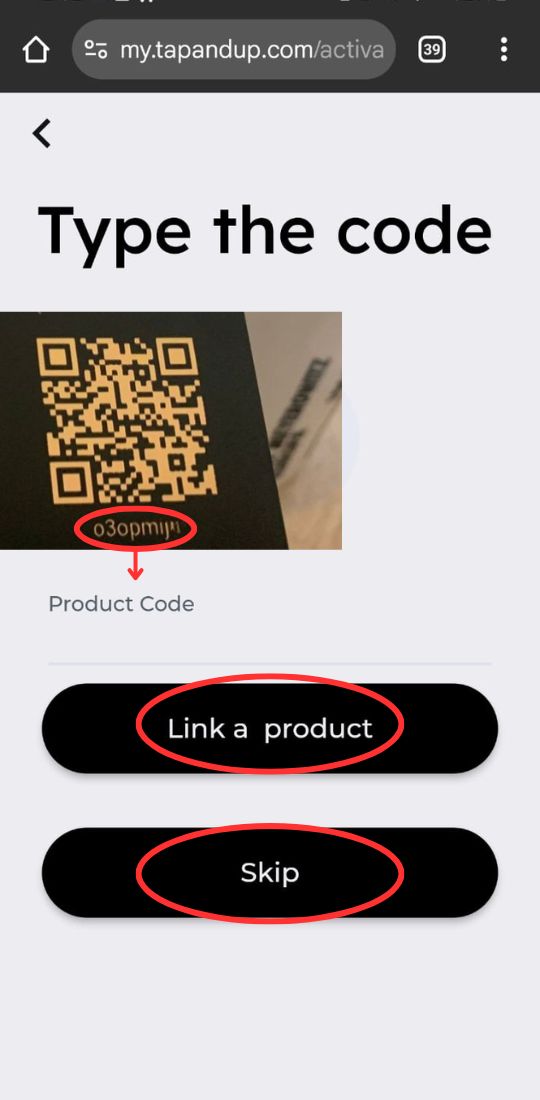
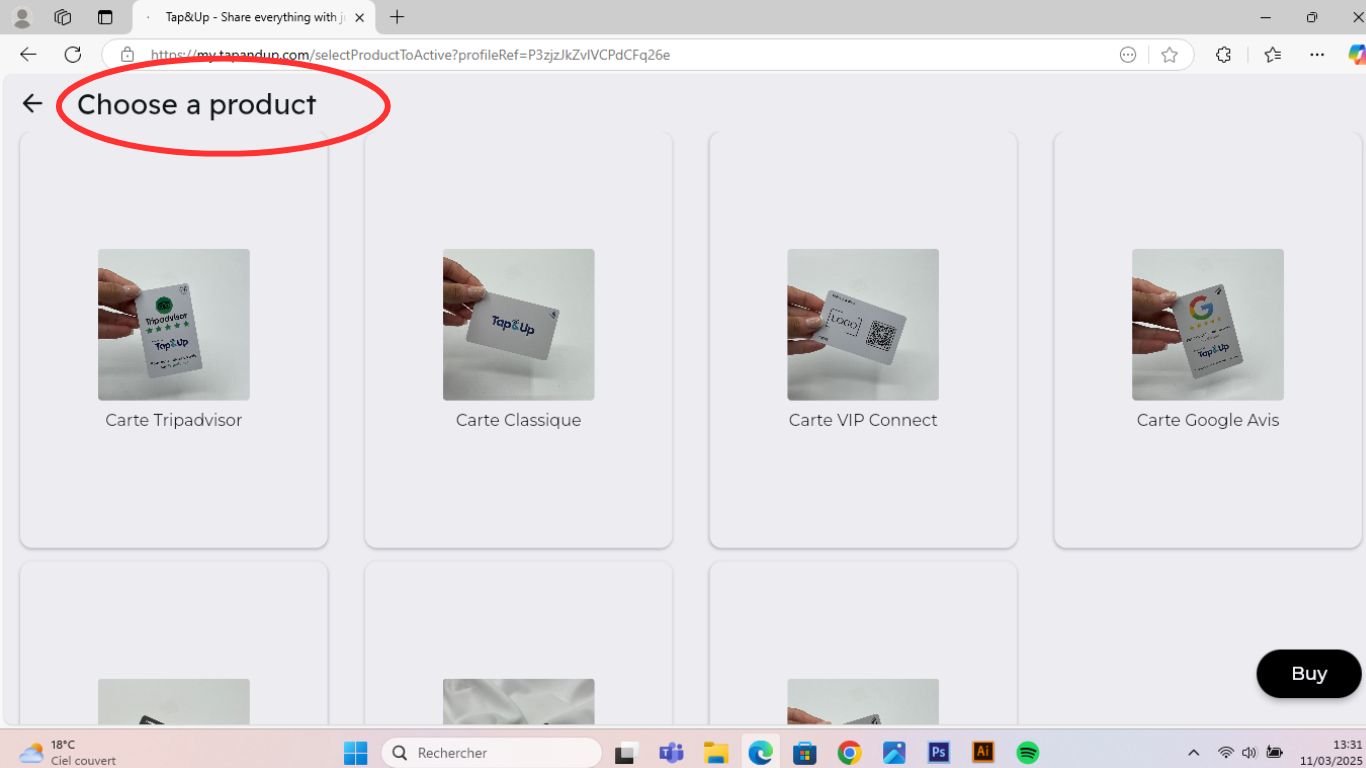
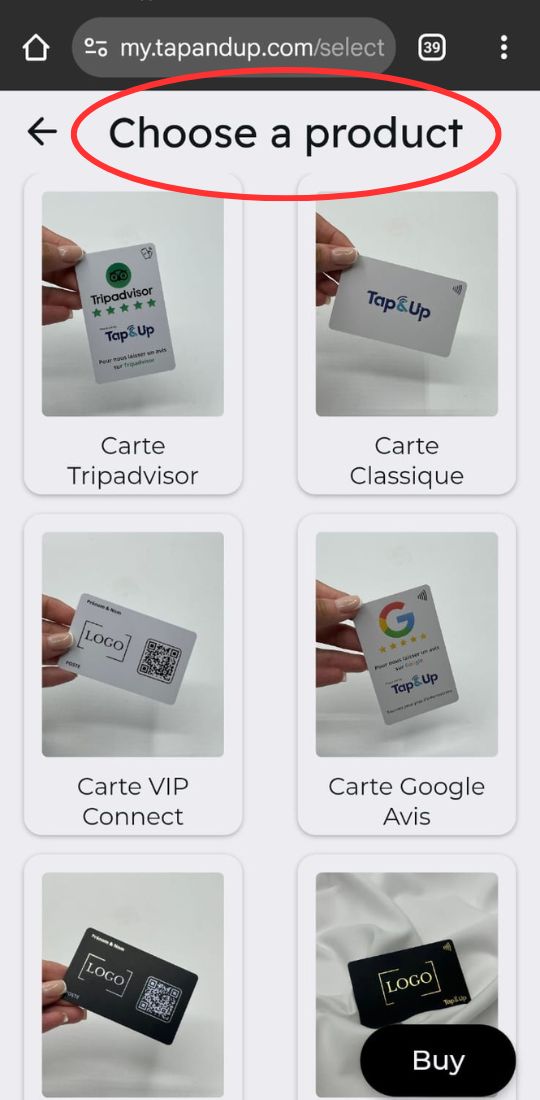
4 – Card selection: Choose the Tap&Up card you have bought !
5 – Enter your activation code. existing under the QR code of your card.
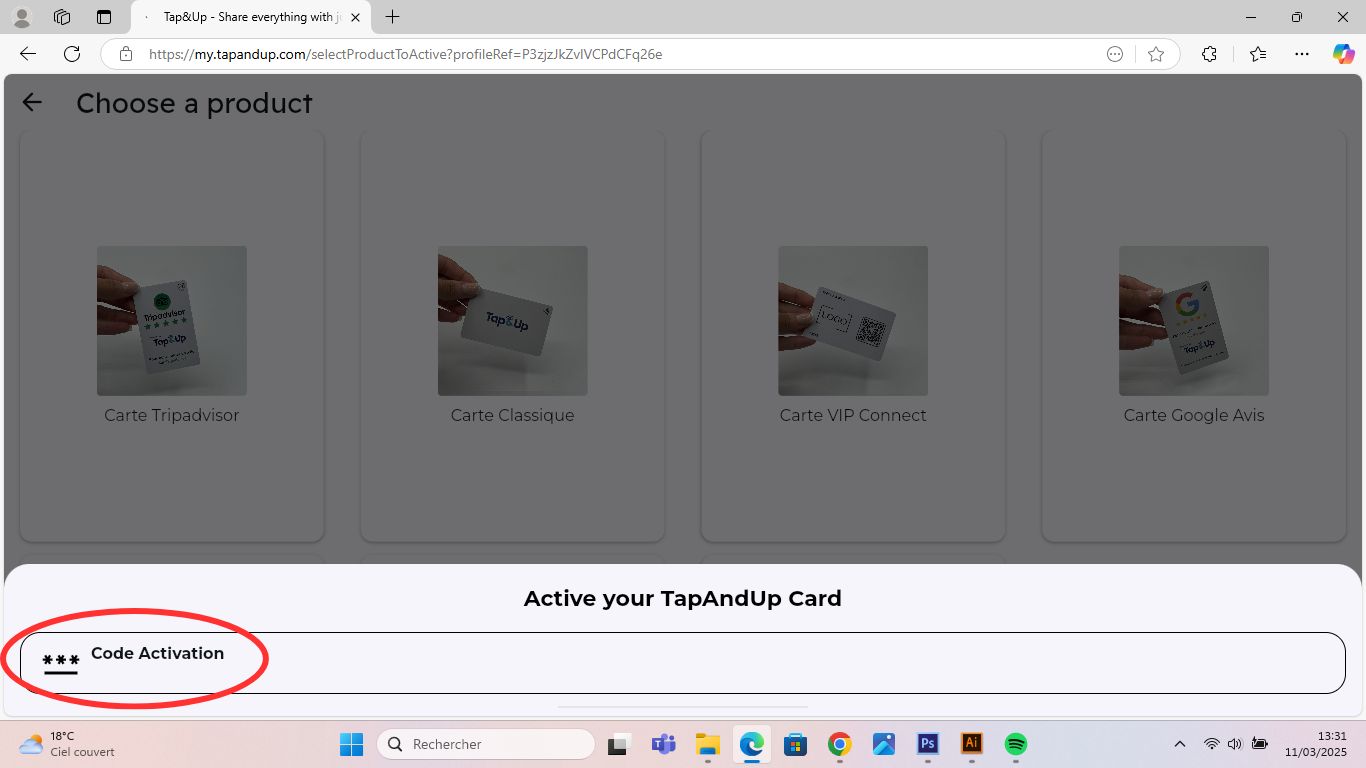
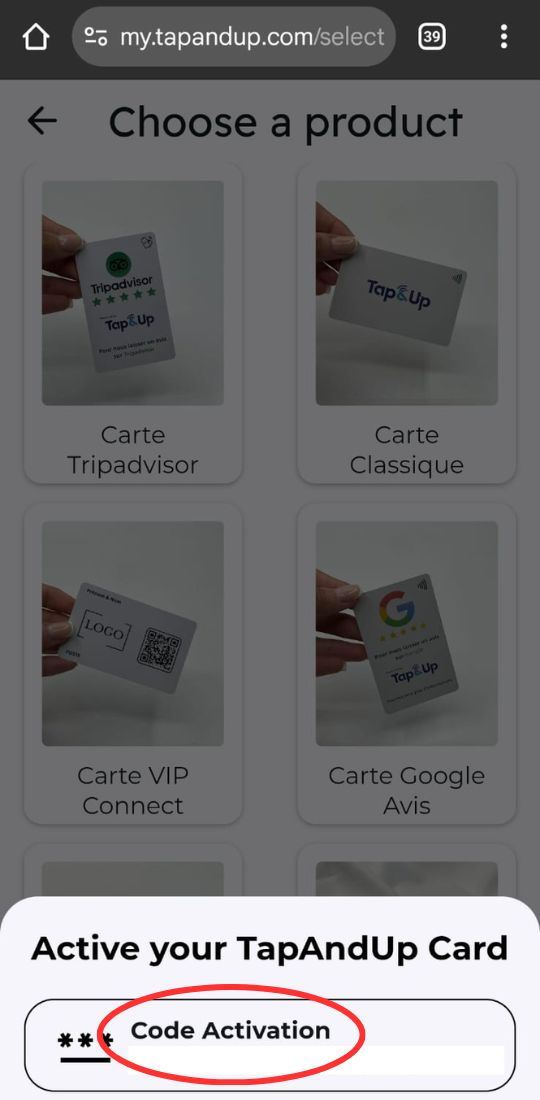
Note: You can activate your Tap&Up card later, after creating your profile.
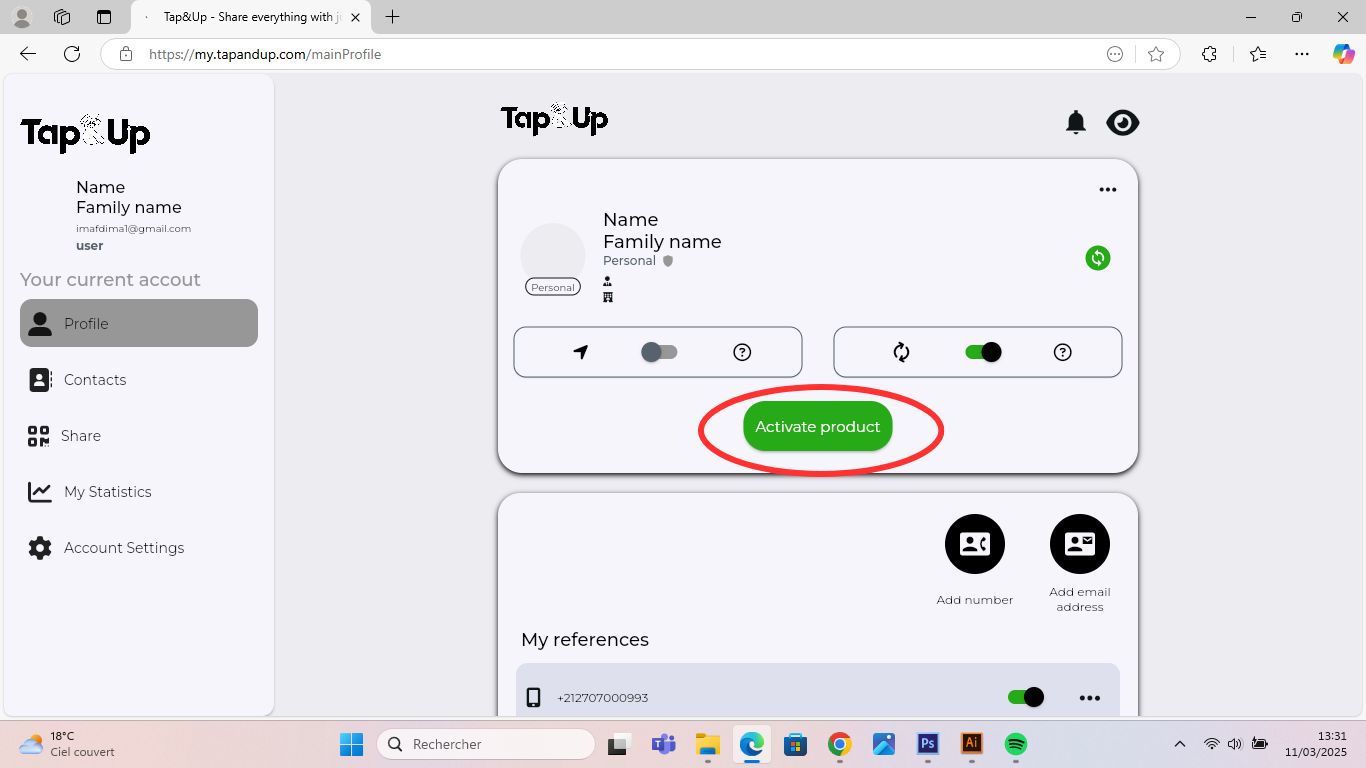
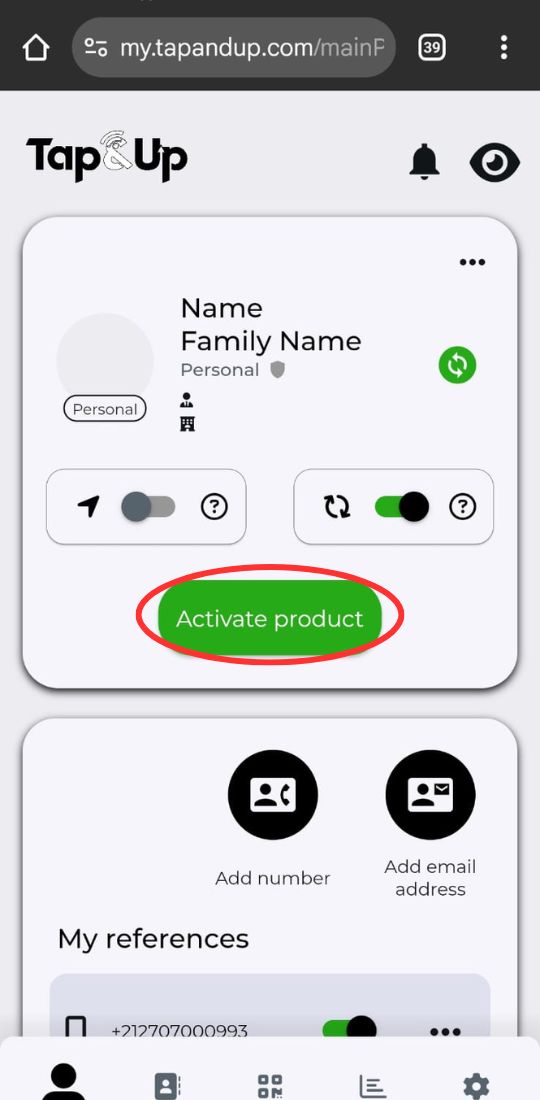
6 – Edit/add information to your Tap&Up profile.
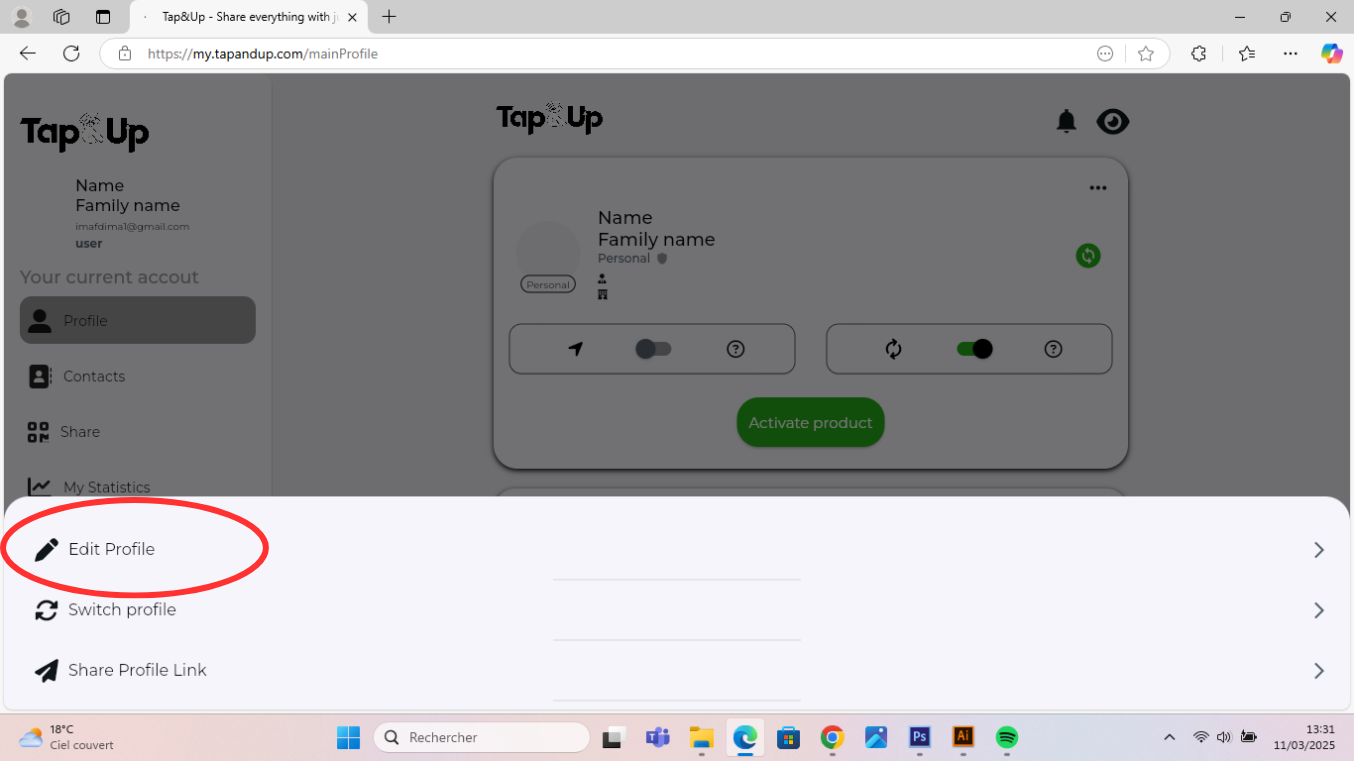
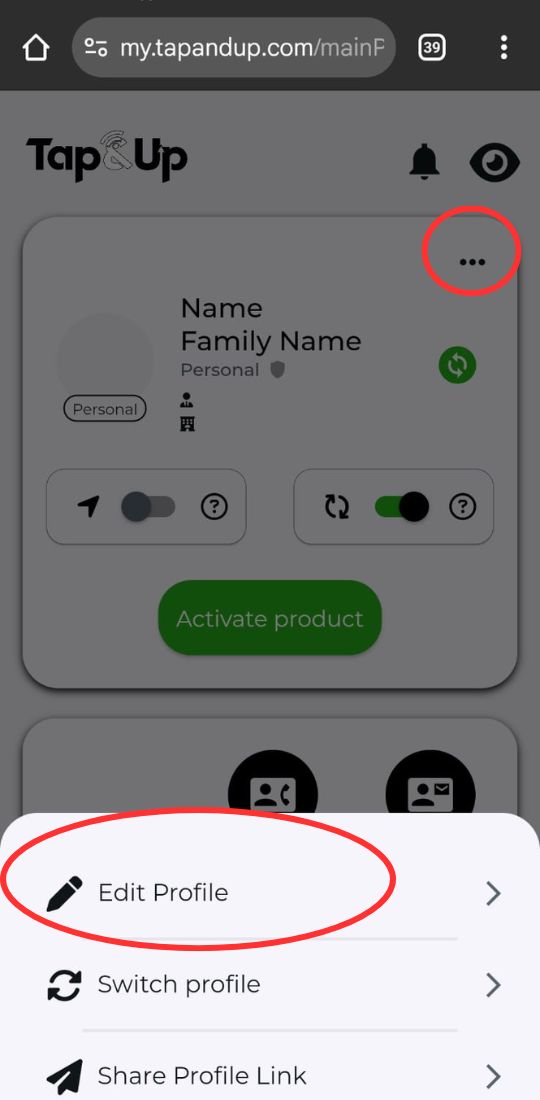
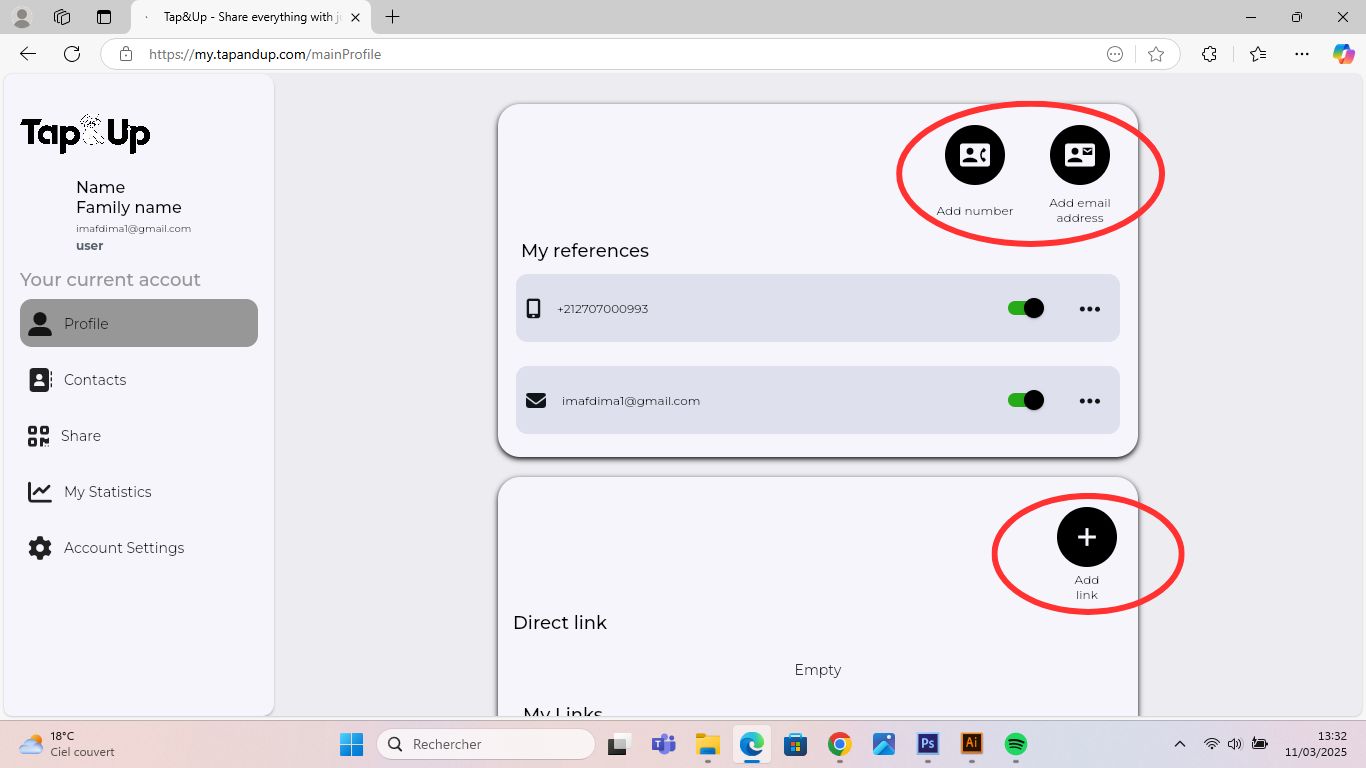
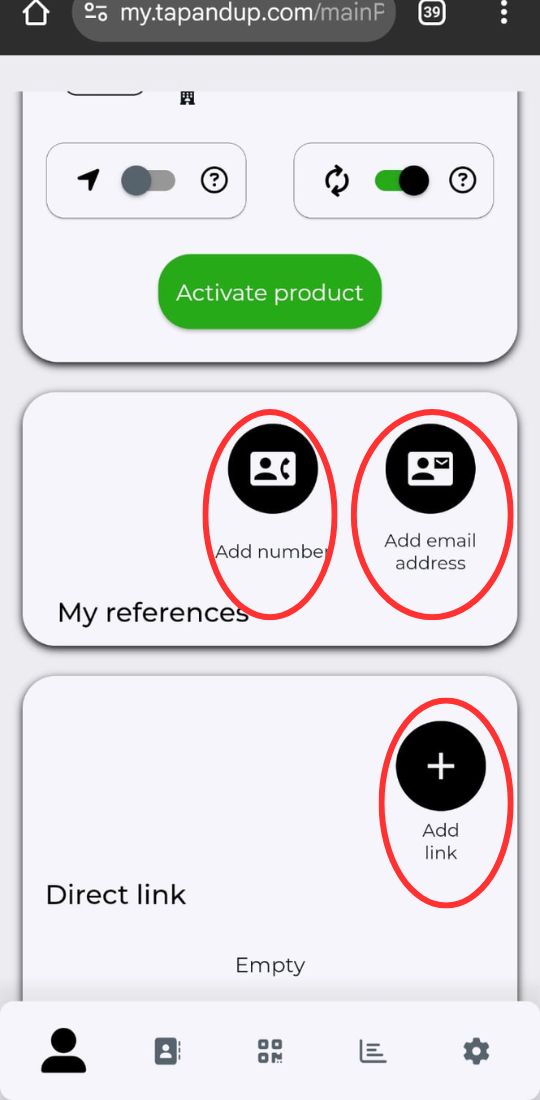
7 – Add your contact information as well as your social media accounts, pdf, personalized links...
8 – Preview your Tap&Up profile.
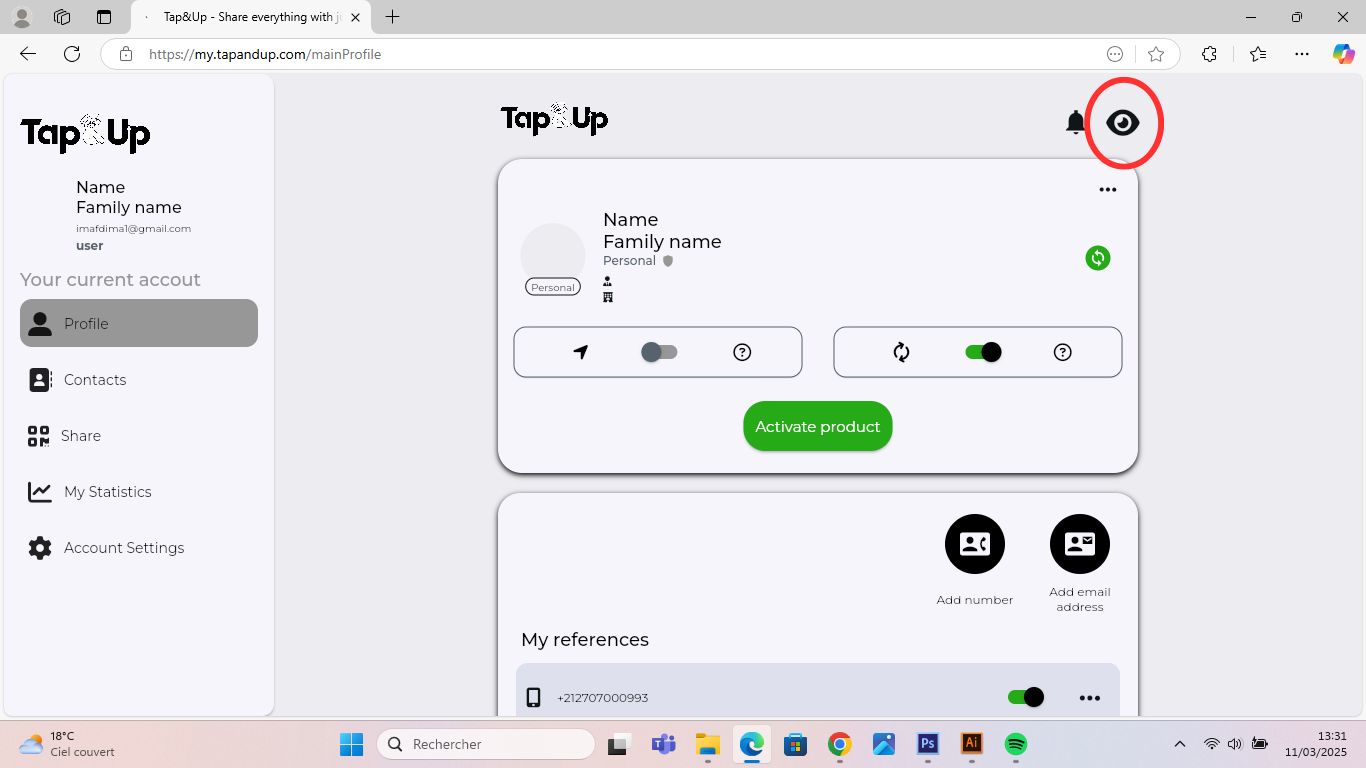
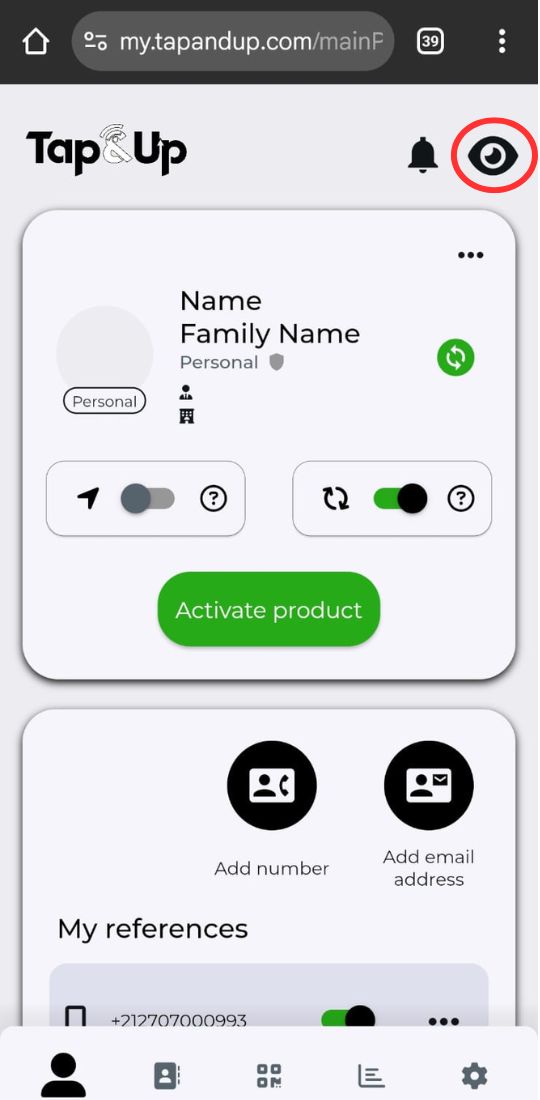
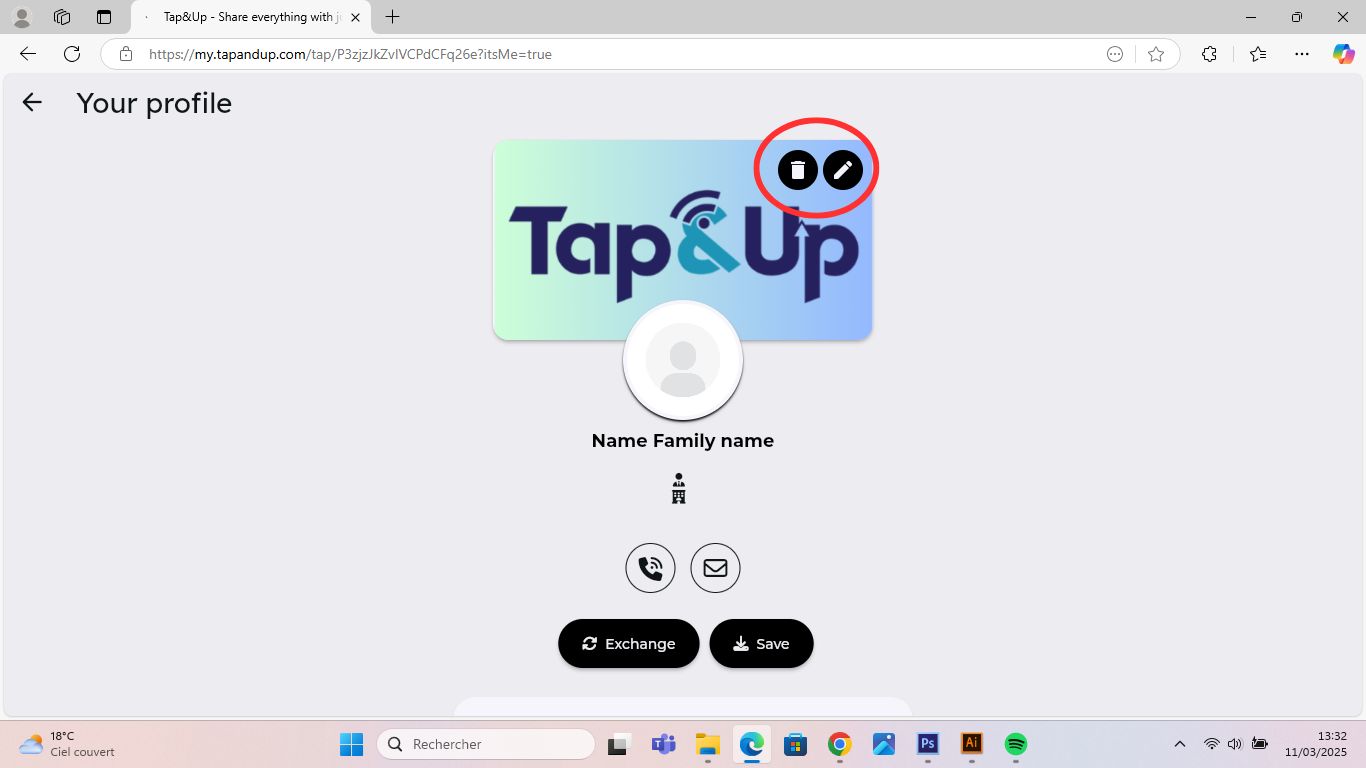
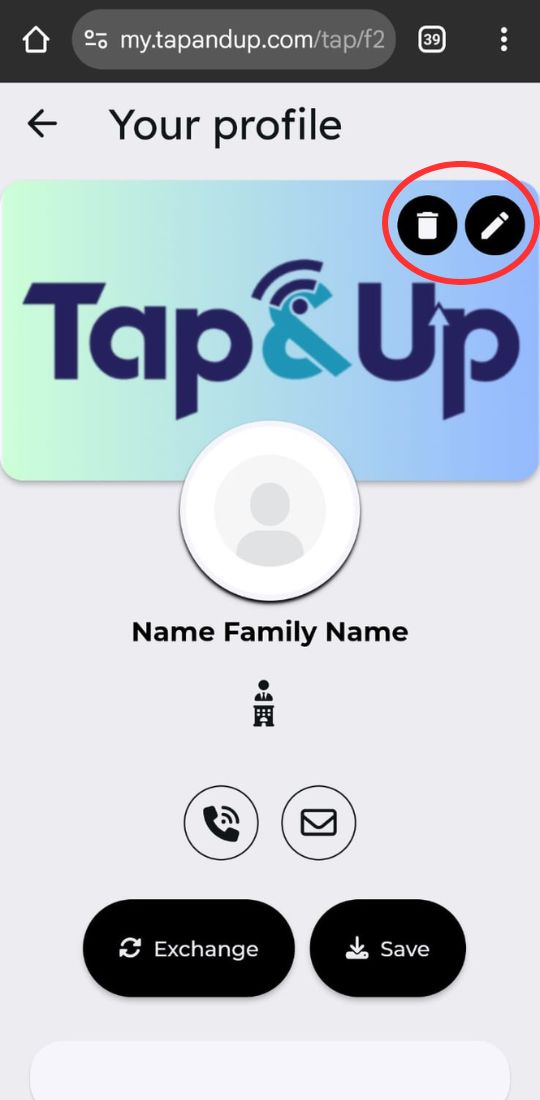
9 – Preview the profile with the option to edit the cover image.
10 – You have the option to add a new profile and switch between them.
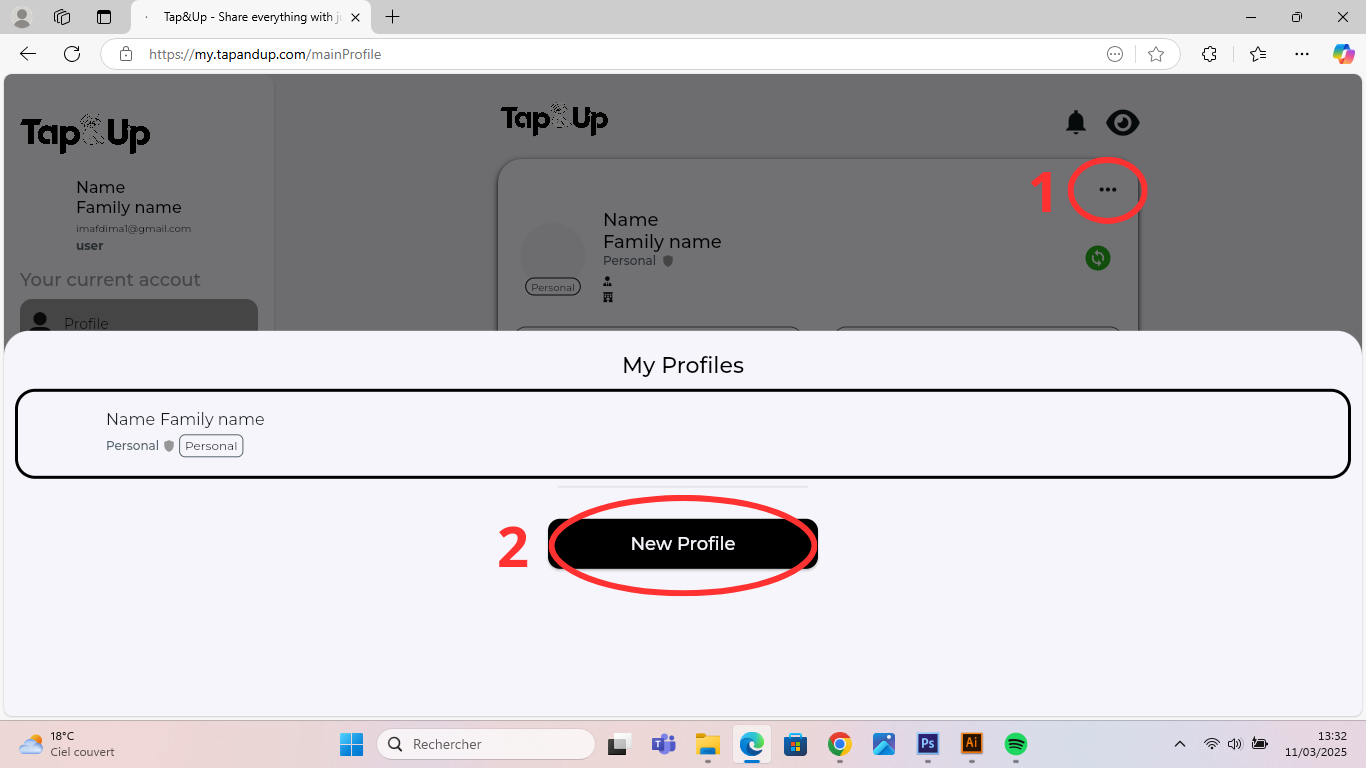
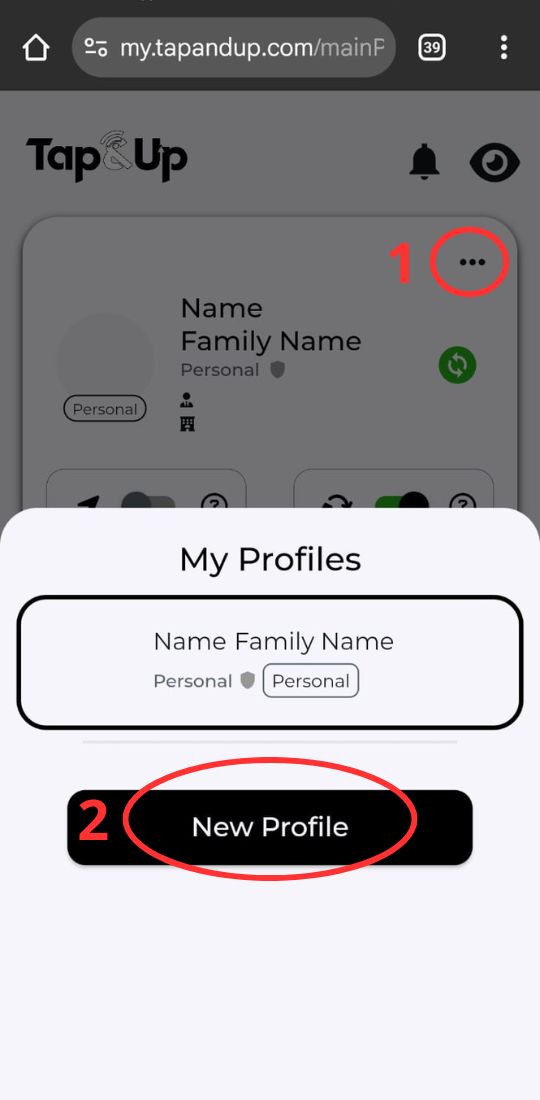
11 - You can also activate a new card on your second profile using your new activation code.
12 – You can use your Tap&Up card as a gateway to a personalized link (Website, PDF, etc.).
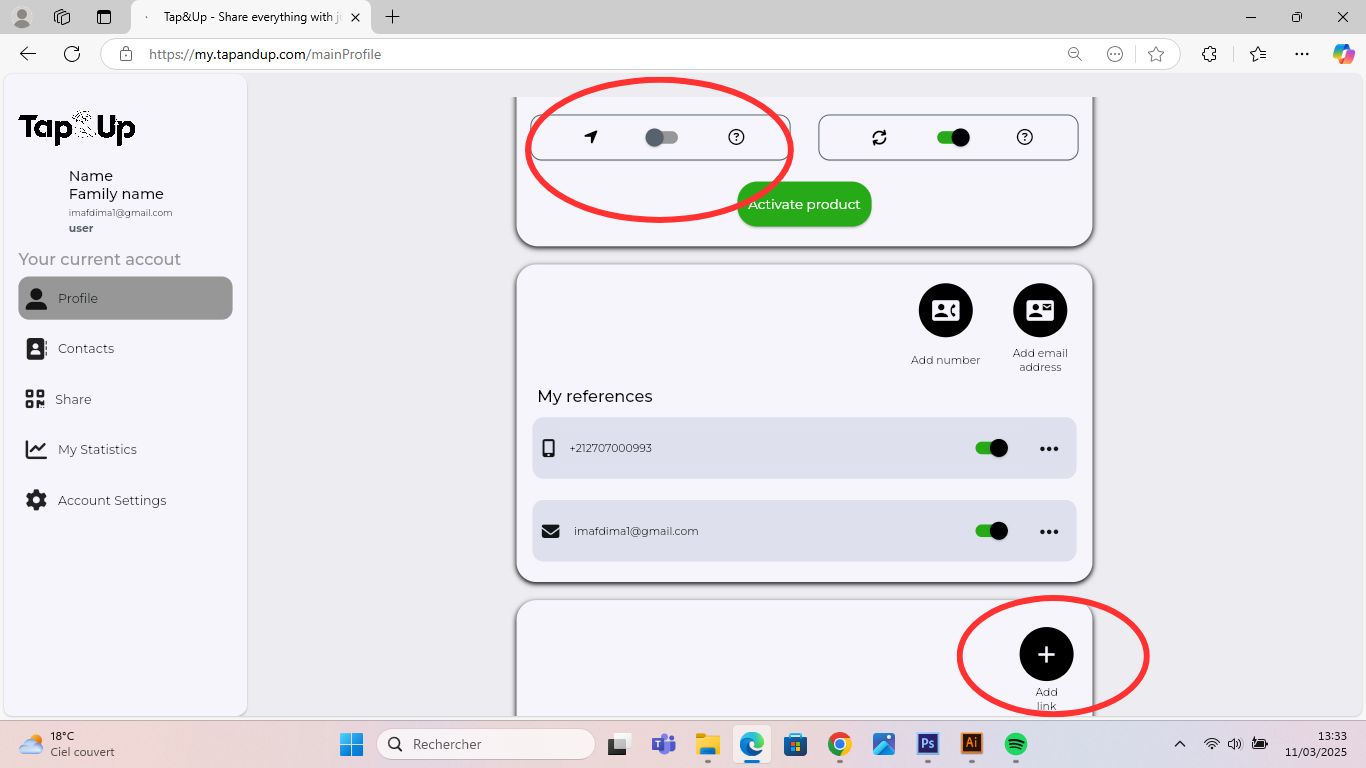
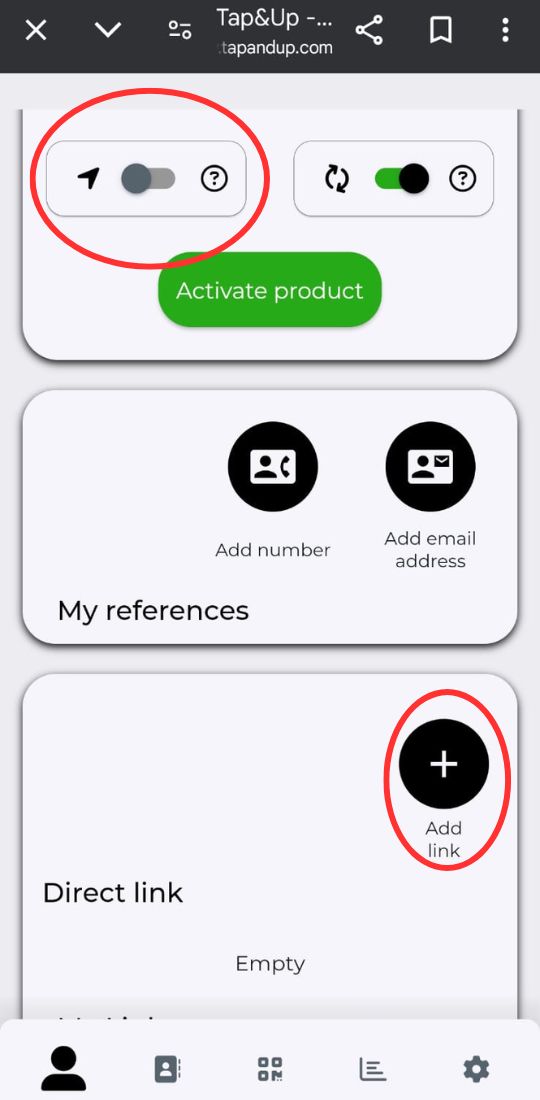
13 – Contact list and the button to scan paper business cards.
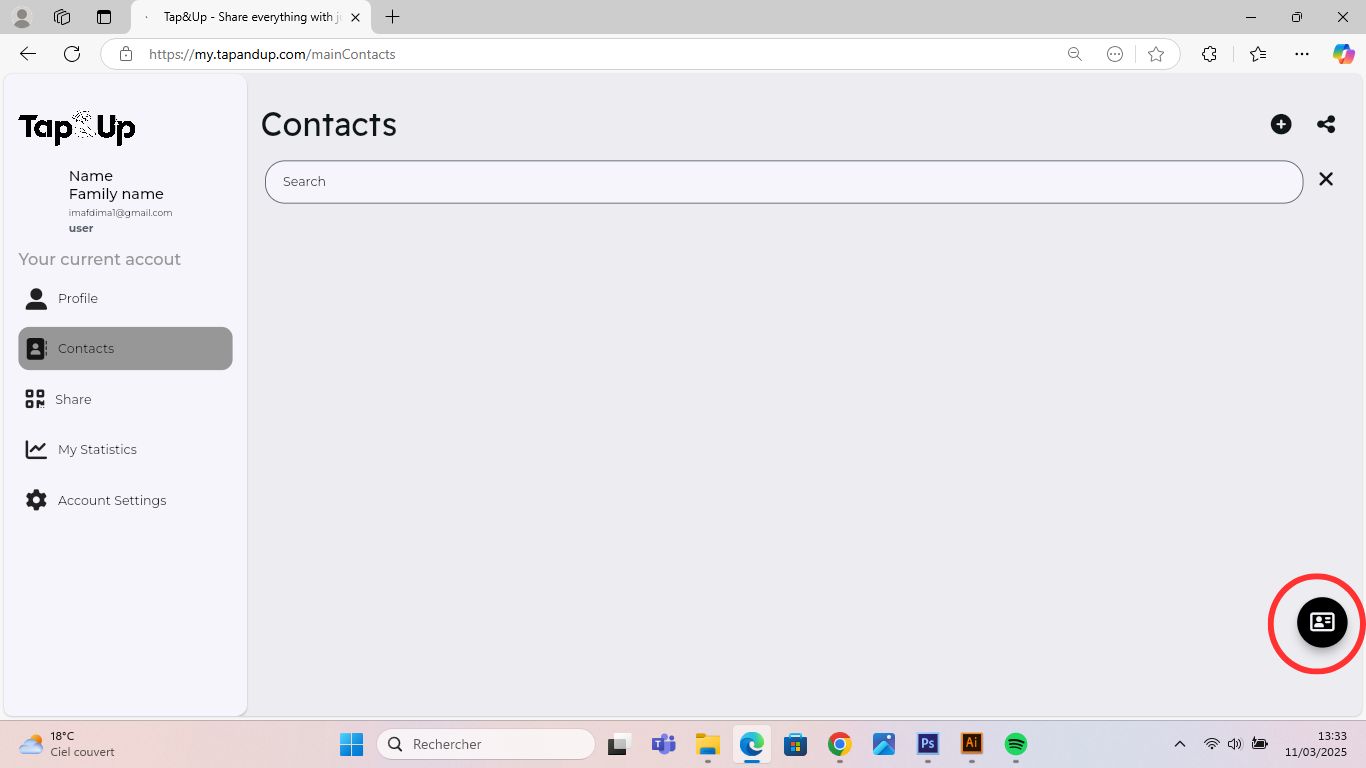
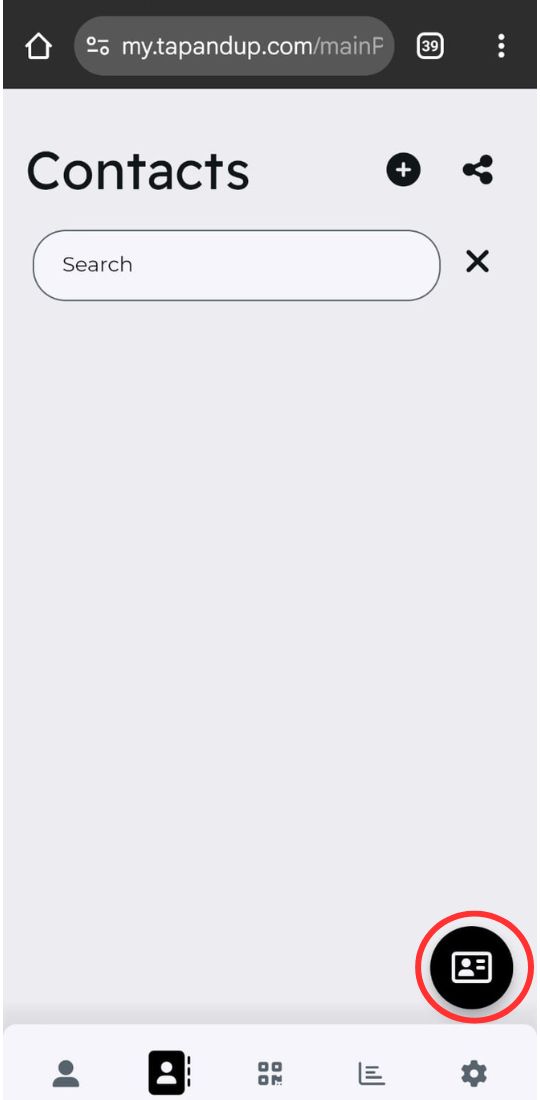
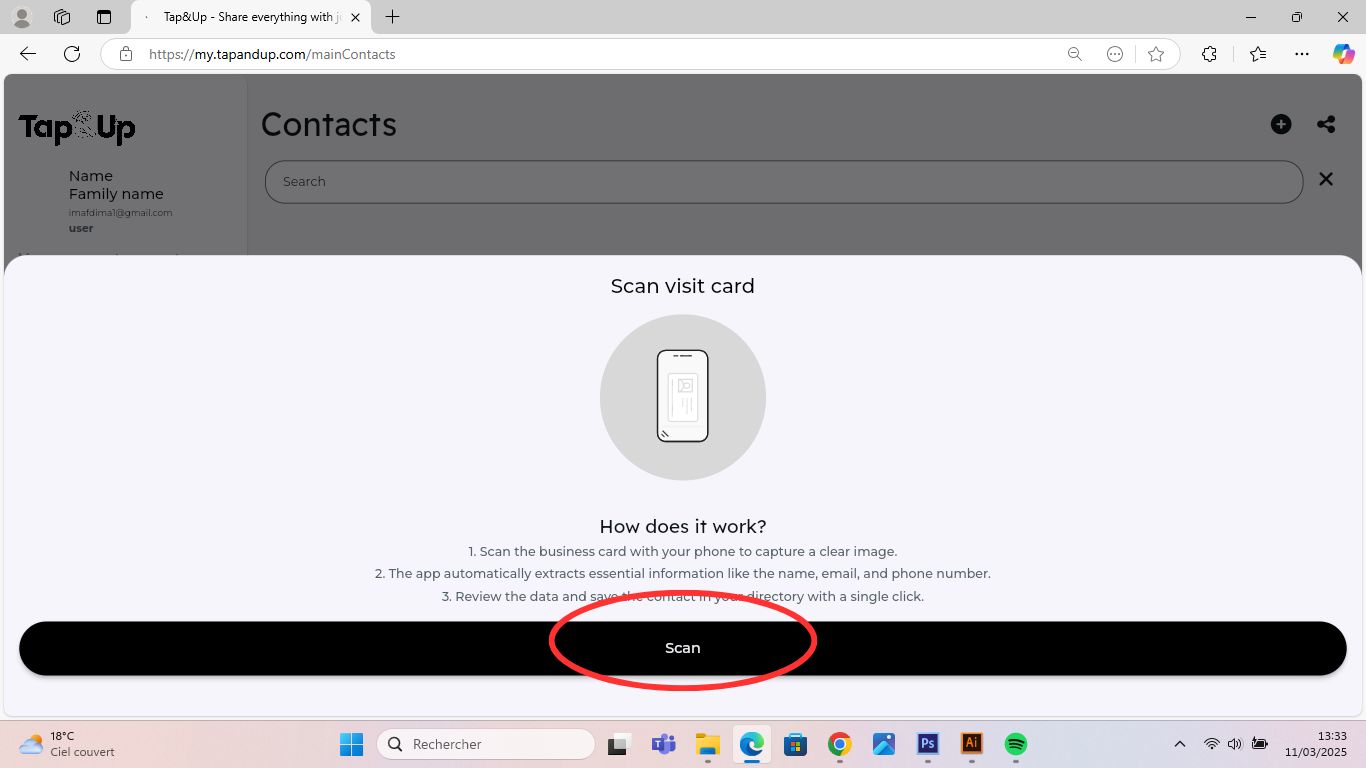
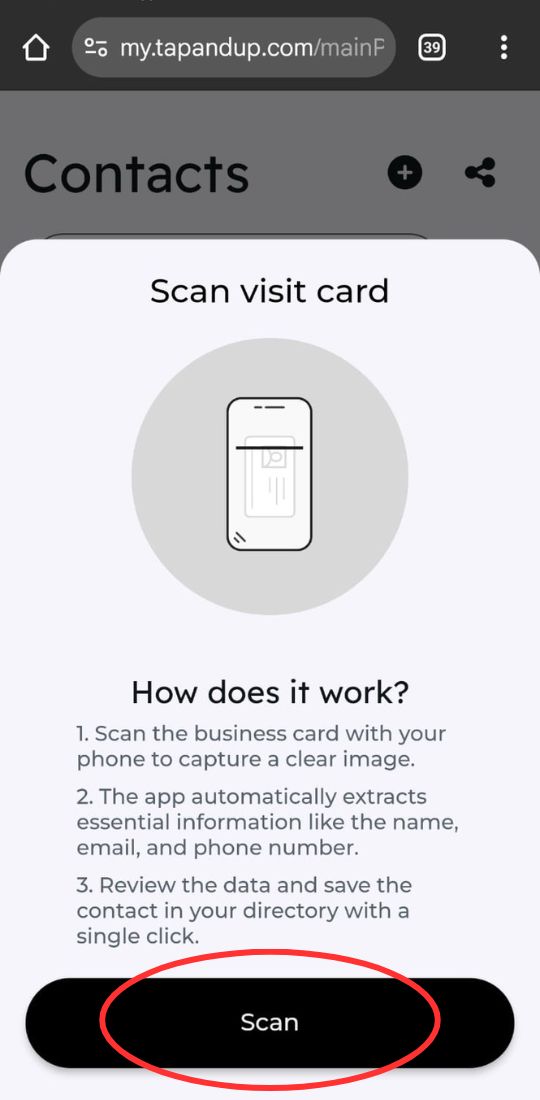
14 - Scanning paper business cards.
15 – The QR code and the link to your Tap&Up profile.
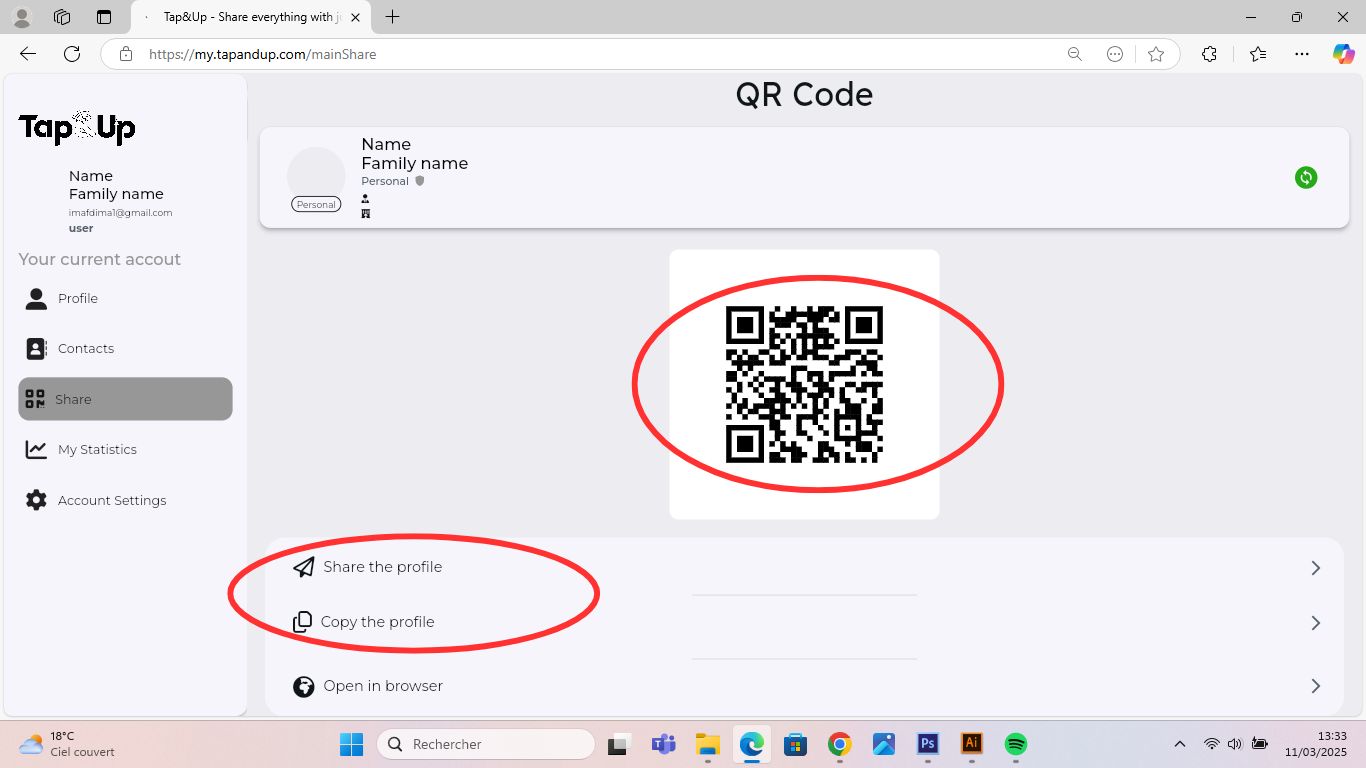
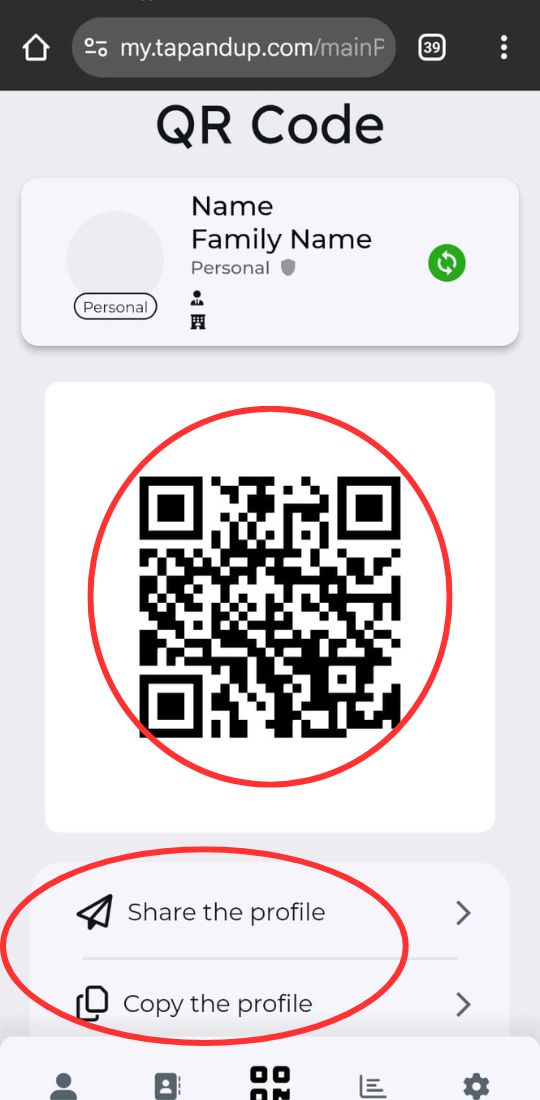
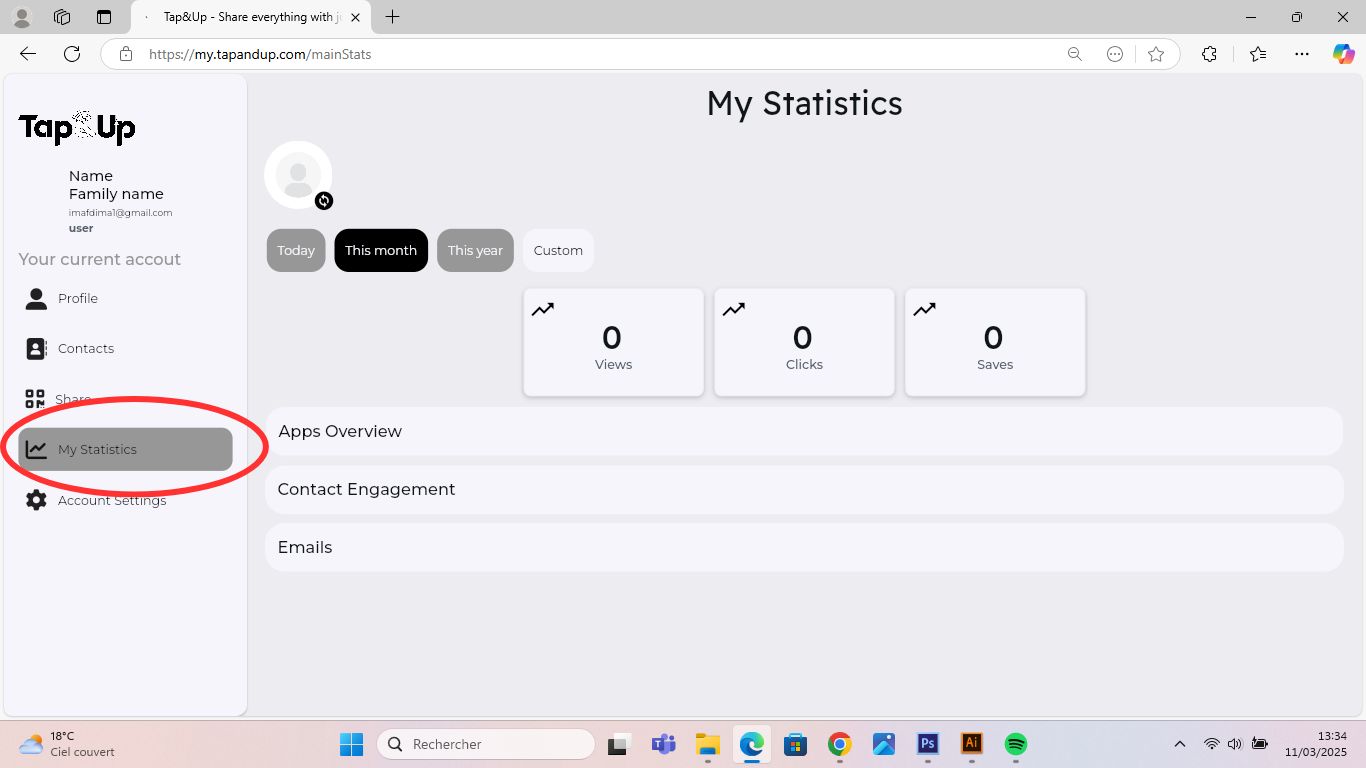
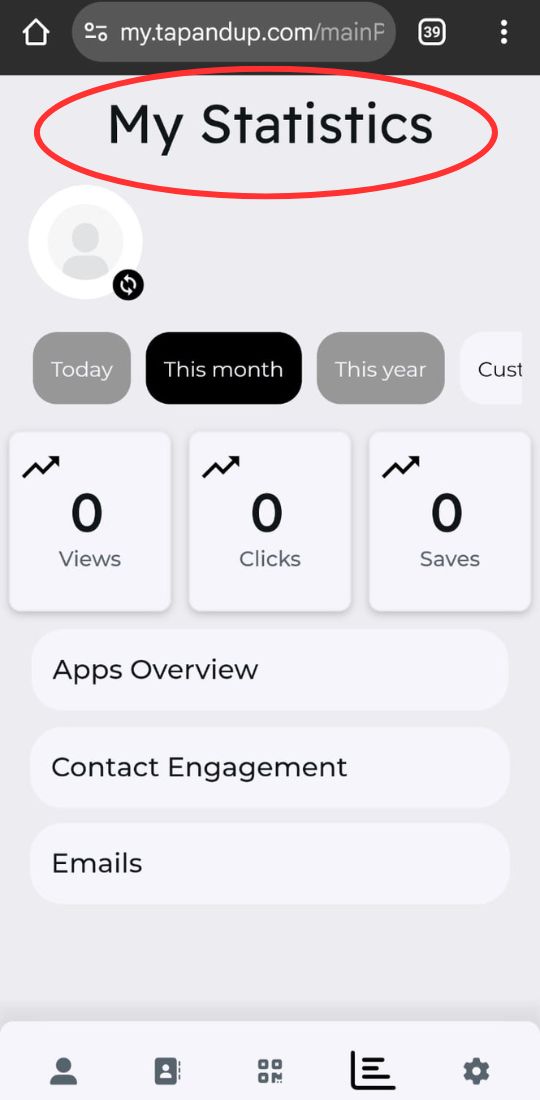
16 – Usage statistics of your Tap&Up card.
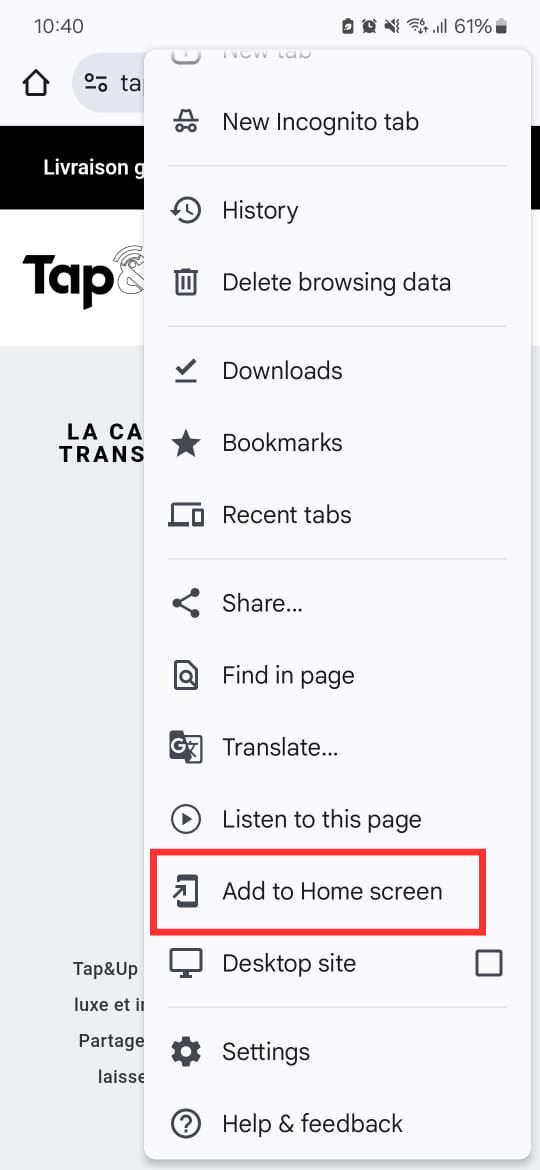
Tip: Easily access my.tapandup.com by adding it as an app on your phone!
 English
  French
  Spanish